


Solitaire - Classic Card Games
4.629.86K Reviews
App Specs
- Version
- 1.86.0
- Updated On
- License
- Free
- Downloads
- 10,000,000+
- Developer
- Oakever Games
- Categories
- Card
- Platform
- Android
Screenshots
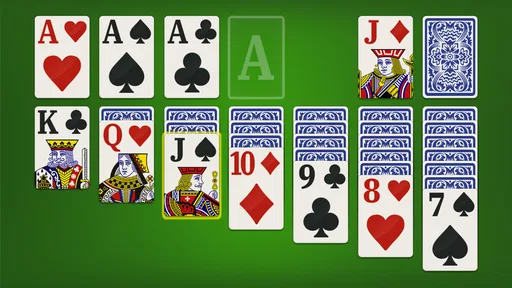
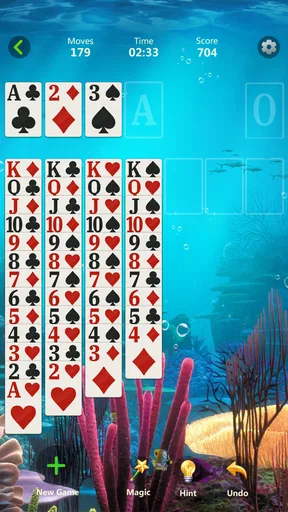
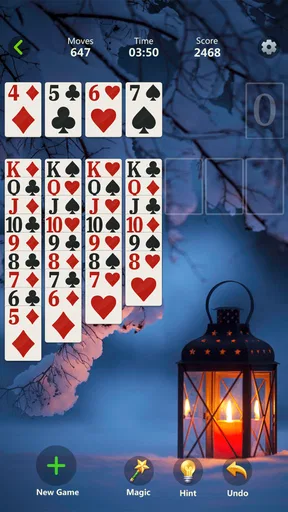
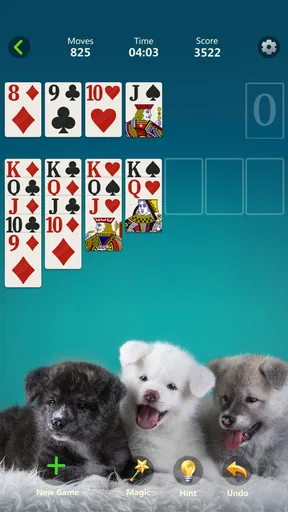
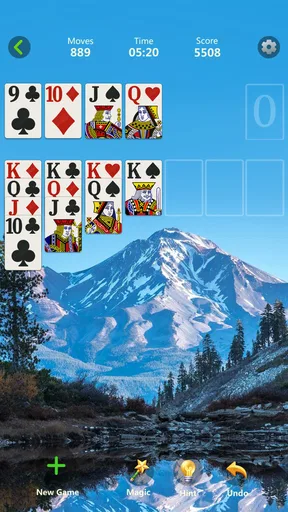
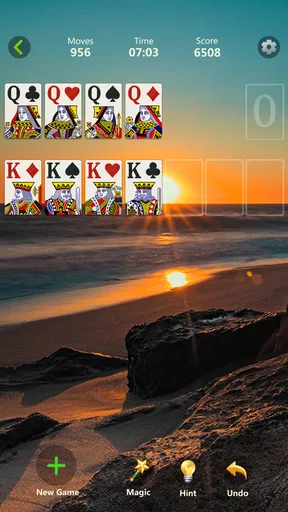
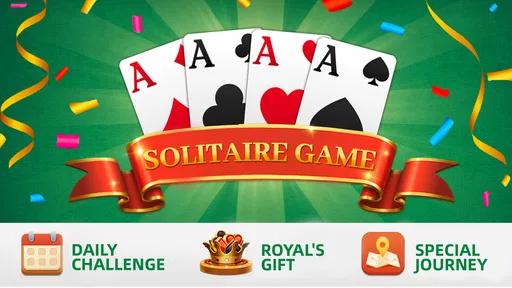
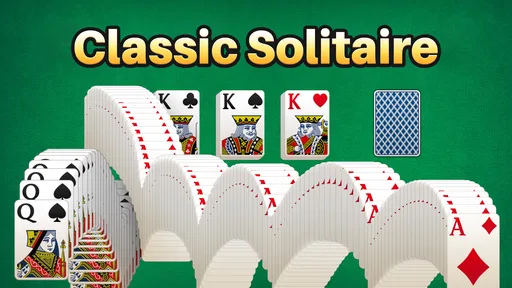
 Analysis by AppCompare
Hey there, card game enthusiasts! If you're a fan of classic card games, then you're in for a treat. Today, I'm diving into the world of Solitaire - Classic Card Games, and let me tell you, it’s like having a deck of cards in your pocket, ready to go wherever and whenever you are. This app has become my go-to for those moments when I need a little brain teaser or just a relaxing break.
Why Solitaire?
So, why pick Solitaire of all the card games out there? Well, for starters, this app offers a sleek and simple design that stays true to the game we all love. Whether you’re a seasoned player or just getting started, you’ll find the interface intuitive and easy to navigate, which is a huge plus in my book. No one wants to fumble around trying to figure out how to play!
What really stands out to me is how Solitaire - Classic Card Games captures the essence of the traditional game. It’s like sitting at a table with a physical deck, minus the need to shuffle and deal manually. Everything is done with a swipe or a tap, making it super convenient. And yes, the classic features like draw 1 or draw 3 cards are all here, giving you options based on your play style.
Features That Shine
Now, let’s get into some of the features that make this app a must-have:
- Daily Challenges: Every day brings a new challenge, keeping things fresh and exciting. Completing these challenges earns you crowns, and who doesn’t love a little reward for their efforts?
- Customizable Themes: Personalization is key, right? You can choose from a variety of themes, card backs, and backgrounds to make the game truly yours. Whether you prefer a classic green felt table or something more vibrant, the choice is yours.
- Hints and Undos: Stuck on a move? No worries! The hint feature is there to give you a nudge in the right direction. And if you make a move you regret, the undo button has got your back.
For me, the useful detail is not simply that hints and undos exist, but how they can change the way I play. When I’m learning, I can use a hint to spot a move I missed, then decide whether I understand why it helps before continuing. If I’m trying to improve, I can undo a choice and compare the result rather than restarting the whole deal. I’d avoid leaning on hints for every turn, though: they can keep a round moving, but making the decision myself is what makes Solitaire feel like a puzzle.
Draw 1 and draw 3 also suit different moods. I tend to choose draw 1 when I want a gentler session or am still getting comfortable with the layout. Draw 3 asks me to think further ahead because the order of cards matters more, so it is a better pick when I want a little more resistance. Neither setting turns every deal into a guaranteed win; the appeal is working with the cards available and deciding when to move something into a foundation rather than leaving it useful in the tableau.
All these features add up to a game that not only challenges your mind but also provides a delightful user experience. It’s like having a mini brain workout without the stress.
Worth Reading Before You Choose

EA SPORTS FC Mobile 26 Is a Bigger Football Game, but It Takes Time

Flipboard Shows What News Apps Must Do Beyond the Feed

Switching to Android Auto Means Rethinking Your Driving Routine

Google Calendar Makes a Crowded Week Easier to Manage

Ludo King Makes the Most of the Minutes Between Plans

Baby Panda World Brings Quick Play to Modern Phones, but Its Game Library Feels Busy
Playing On the Go
One of the best things about this app is its portability. Whether you’re waiting for a friend, on a coffee break, or commuting, Solitaire - Classic Card Games is the perfect companion. The game runs smoothly, and I haven’t encountered any lag, even when switching between apps. Plus, it’s super easy on the battery life, so you can play for hours without worrying about your phone dying.
And if you’re worried about data usage, don’t be. The game works offline, so you can enjoy a few rounds even when you’re out of service range. Talk about convenience!
A realistic use for that offline play is a short wait in a place where reception is unreliable: I can start a deal, put the phone away when my turn comes, and return when there’s time to finish. I wouldn’t treat it as a substitute for a game that depends on live opponents or shared progress, because the attraction here is a solo card puzzle. It suits a commute when I want something I can pause mentally, not a game that expects constant attention.
Compared with other familiar card-game options, this is a straightforward choice for someone who wants Klondike-style Solitaire without first learning a new ruleset. A physical deck offers the same core challenge and a more tactile feel, but requires space and setup; this app handles the dealing and lets me restart or adjust a move quickly. More elaborate card games can provide variety and social play, but they also ask for more time, rules, or other players. I’d choose this one for a quiet break, not for a lively group game or deep strategic competition.
Who Will Enjoy It—and Who May Not
I’d recommend it to casual players, people returning to Solitaire after years away, and anyone who likes a familiar puzzle they can play in short stretches. The simple controls lower the barrier for a first-time player, while draw 3 and the daily challenges give regular players reasons to come back. If you prefer to play without a timer or a complicated progression system, the basic card-moving loop is the main attraction rather than a distraction from it.
There are trade-offs. The game’s familiarity is its strength, but it also limits how much variety you should expect from a Solitaire app. If you quickly tire of repeating the same kind of deal, or want multiplayer, a campaign with changing rules, or a more demanding strategy game, this may feel too narrow. Customizing the table can make the experience more personal, but a new background does not change the underlying puzzle. I would skip it if your main reason for downloading a game is to discover several different card formats.
The challenge rewards add a small goal beyond finishing a round, which can help when I want a reason to open the game that day. I treat them as optional prompts, not as a reason to keep playing after I’ve had enough. That distinction matters: Solitaire works best for me when I decide how long a break will be, rather than letting a streak or reward turn a relaxing pastime into a chore.
If you’re wondering whether it costs anything to start, the game is free to download, with optional in-app purchases ranging from $0.99 to $17.99 per item. I’d begin with the free experience and only consider a purchase if it adds something I genuinely want; there’s no need to spend just to see whether the basic Solitaire loop suits you. It is rated Everyone, though the best fit still depends on whether the player enjoys quiet, individual card play.
A Familiar Game with Sensible Limits
In a world full of flashy games with complicated rules, Solitaire - Classic Card Games offers a refreshing return to simplicity. It’s a reminder of why this game has stood the test of time. It’s not just about winning; it’s about strategy, patience, and sometimes, just plain old luck.
The app comes from Oakever Games and has an average rating of 4.6 from around 366,000 ratings, with more than 10 million installs. That level of reach makes it an established choice, but popularity alone doesn’t tell me whether it fits my habits. I’d pay more attention to the practical match: a compact solo game, familiar rules, and enough assistance to make an awkward deal less frustrating without removing every decision.
Its release was on July 20, 2019, and version 1.86.0 requires Android 7.0 or later. Those details are useful if you’re checking an older Android device before installing. For me, the bigger question is whether I want this particular kind of quiet, repeatable play. The controls and options make it approachable, but they do not turn it into a social or constantly changing game.
If you’re looking for a game that’s both nostalgic and engaging, give this app a try. It’s like having a piece of card-playing history in your pocket. So go ahead, download it, and let the games begin!
My verdict is that this is a solid pick when I want a familiar Solitaire round without setup, especially for brief breaks or offline moments. I’d recommend starting with draw 1, using hints sparingly, and switching to draw 3 once the basic rhythm feels comfortable. If you want variety beyond this one classic format, or a game built around other people, look elsewhere; if a simple card puzzle is exactly what you’re after, it earns a place on my phone.
Pros
- Intuitive interface and easy navigation.
- Multiple game modes for variety.
- Customizable card themes and backgrounds.
- Smooth performance with no lag.
- Daily challenges for added fun.
Cons
- Contains ads that interrupt gameplay.
- Lacks multiplayer mode.
- Limited hints for beginners.
- No offline play mode available.
- Frequent in-app purchase prompts.
FAQs for Solitaire - Classic Card Games
What features does Solitaire - Classic Card Games offer?
Solitaire - Classic Card Games offers a variety of features to enhance your gaming experience. It includes customizable card decks and backgrounds, daily challenges, and hints to guide you through tough spots. The app also provides statistics to track your progress and achievements. This classic game is designed to offer both relaxation and challenge.
Is Solitaire - Classic Card Games free to play?
Yes, Solitaire - Classic Card Games is free to download and play. However, it does offer in-app purchases for those who want to enhance their experience with additional features or to remove ads. These optional purchases allow users to enjoy a more personalized gameplay experience.
Does the app require an internet connection to play?
No, Solitaire - Classic Card Games can be played offline, making it a perfect choice for users who want to enjoy a classic card game without needing an internet connection. This feature ensures you can play anytime and anywhere, whether you're on a flight or in a remote location.
Can I customize the gameplay experience?
Absolutely! Solitaire - Classic Card Games allows you to customize your experience by choosing different card designs and backgrounds to suit your personal style. Additionally, you can adjust game settings such as turning on or off the timer, and selecting between one-card or three-card draw modes.
Is there a way to track my progress in the game?
Yes, the app provides a detailed statistics feature that allows you to monitor your progress. You can view stats such as your win/loss ratio, longest winning streak, and fastest completion times. This helps you set personal goals and improve your skills over time.


